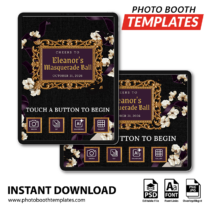
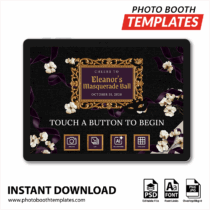
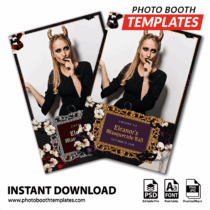
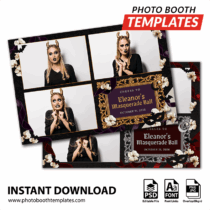
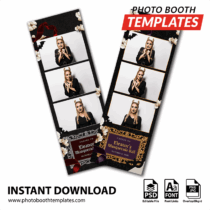
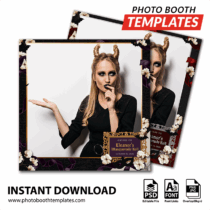
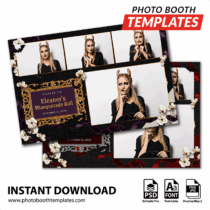
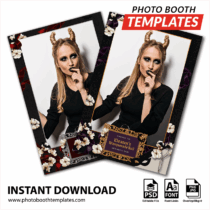
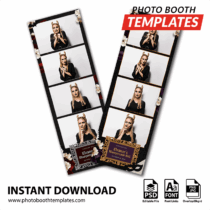
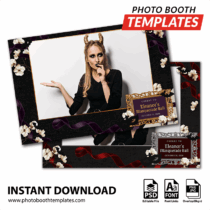
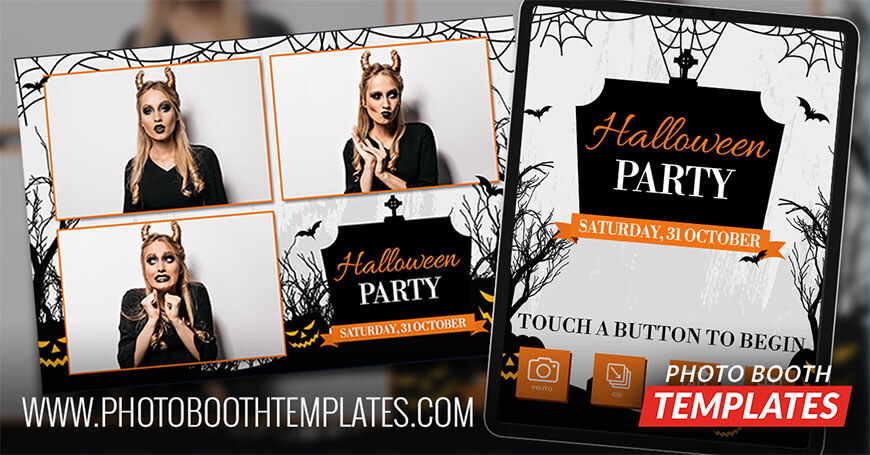
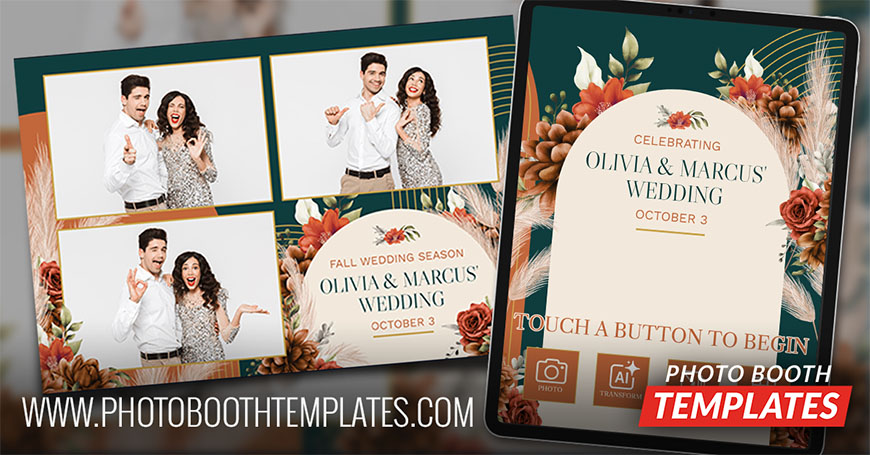
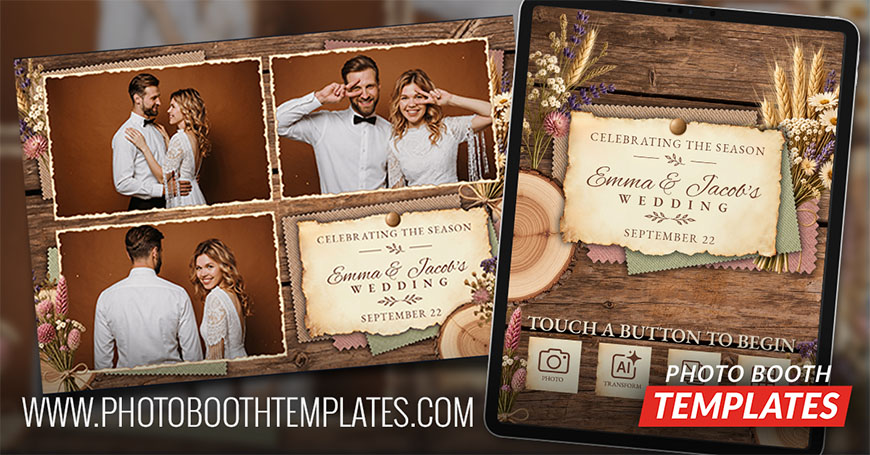
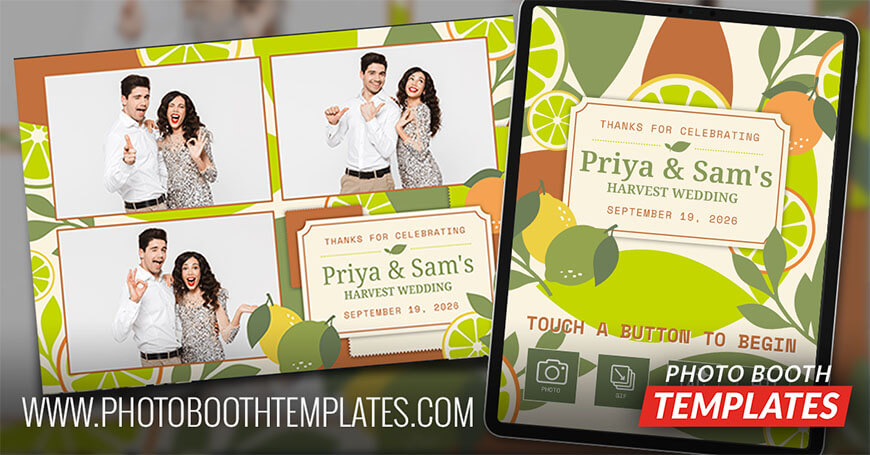
Midnight Masquerade Noir photo booth templates are built for the clients who want October to feel like an evening out. Not every host wants cartoon pumpkins. Some want candlelight, velvet, and a dress code. They want photos their guests will keep, not just scroll past. You are the one who can give them that look the moment a guest steps up. That is the plan behind the Midnight Masquerade Noir theme.
Midnight Masquerade Noir Photo Booth Templates
Midnight Masquerade Noir starts with a black textured background that feels rich and deep. Deep plum velvet ribbons drape across the corners. Ivory flowers soften the dark edges and catch the eye. The event title sits inside an ornate gold baroque frame set with gold gothic lettering. Black bats, a crescent moon, and a masquerade mask bring the gothic Halloween mood. Thin gold borders keep every photo clean and elegant. Midnight Masquerade Noir photo booth templates fit masquerade balls, Halloween parties, costume parties, gothic celebrations, and elegant spooky season events.
Think about the calls you get this month. A host planning a masquerade ball. A venue running a Halloween party for grown ups. A friend group throwing a costume party with a black tie twist. They all want the same thing. A night that looks as good in print as it did in person. Midnight Masquerade Noir photo booth templates let you show up with a design that matches the room. That helps you win the booking and earn the next referral.
This set includes 9 photo booth templates, an iPad welcome screen set, a PC/Mirror Booth welcome screen set, and a matching buttons set, giving you a complete package for any formal fall event. Each Midnight Orchard photo booth templates file comes as a fully editable PSD, so you can adjust names, dates, and colors to match every client’s event without starting from scratch. With more than 7,500 editable photo booth templates in our shop, you’ll always have something fresh to offer.
New releases are 33% off for the first 24 hours for non-members—don’t miss out! Discount Club members save even more and get instant access to all templates. Join today.
Join the Discount Club & Save on Photo Booth Templates
Discount Club members have access to these designs through the embedded catalog widget, making it easy for clients to browse and select templates directly from their website. Not a member? Join today and instantly expand your offerings with our entire catalog of photo booth templates while getting huge discounts on every purchase.
Our photo booth templates are designed to work smoothly with the most popular photo booth software platforms, including both DSLR and iPad-based systems:
These templates are fully editable in Photoshop, giving you complete control over layout and branding. In some cases, minor adjustments may be needed to match a specific software’s print or screen requirements.
Other printers may work but might require adjustments to achieve the best results.
This year events demand prints that look clean and work fast. This release focuses on that need. It gives operators a dependable option for busy nights where quality still matters. That is what strong photo booth templates are built to do.
If you’re not yet a Discount Club member, join now to save big on every photo booth templates!
Are your photo booth templates available to everyone?
Yes! All photo booth templates listed on our website, including this set, are available for purchase by anyone at any time. You don’t need a membership to buy them.
What discount do Discount Club members get on these templates?
Discount Club members receive up to 72% off templates. If you run a photo booth business and regularly need new designs, the membership pays for itself quickly by reducing your costs on every purchase.
What is Templates Manager?
Templates Manager is a desktop app from PhotoBoothTemplates.com that helps photo booth operators organize their template library, manage client edits, and streamline their workflow. It keeps your purchased templates, client selections, and edits in one place so you can spend less time managing files and more time delivering designs.
What is the template widget, and how does it work?
The template widget is an exclusive feature for Discount Club members that allows them to display our photo booth template designs, unbranded, on their own website. This makes it easy to showcase available designs to clients without revealing where they come from, adding a professional touch to your offerings. The template widget also allows clients to select the template and specify the personalizations that they would.
Which photo booth software are these templates compatible with?
Our templates are designed to work with popular photo booth software like dslrBooth, LumaBooth, Snappic, Breeze Booth, Darkroom Booth, and others. Our graphics and layouts work with pretty much every photo booth app on the market. If you are unsure please contact us for an answer.
Do I need Photoshop to edit these templates?
Yes, you will need Adobe Photoshop or Photoshop Elements to customize the templates. This allows you to modify text, colors, and graphics to match your client’s theme. If you do not need to change colors you can use any graphics editor, including your photo booth software's built-in editor to add text. Links to all fonts used are provided in the readme.html file.
Are your photo booth templates compatible with Canva?
Yes. Our PSD files can be imported into and edited using Canva Pro. Once imported elements are individually layered. While not all features are available within Canva Pro, many customers find them more than adequate for their needs.